
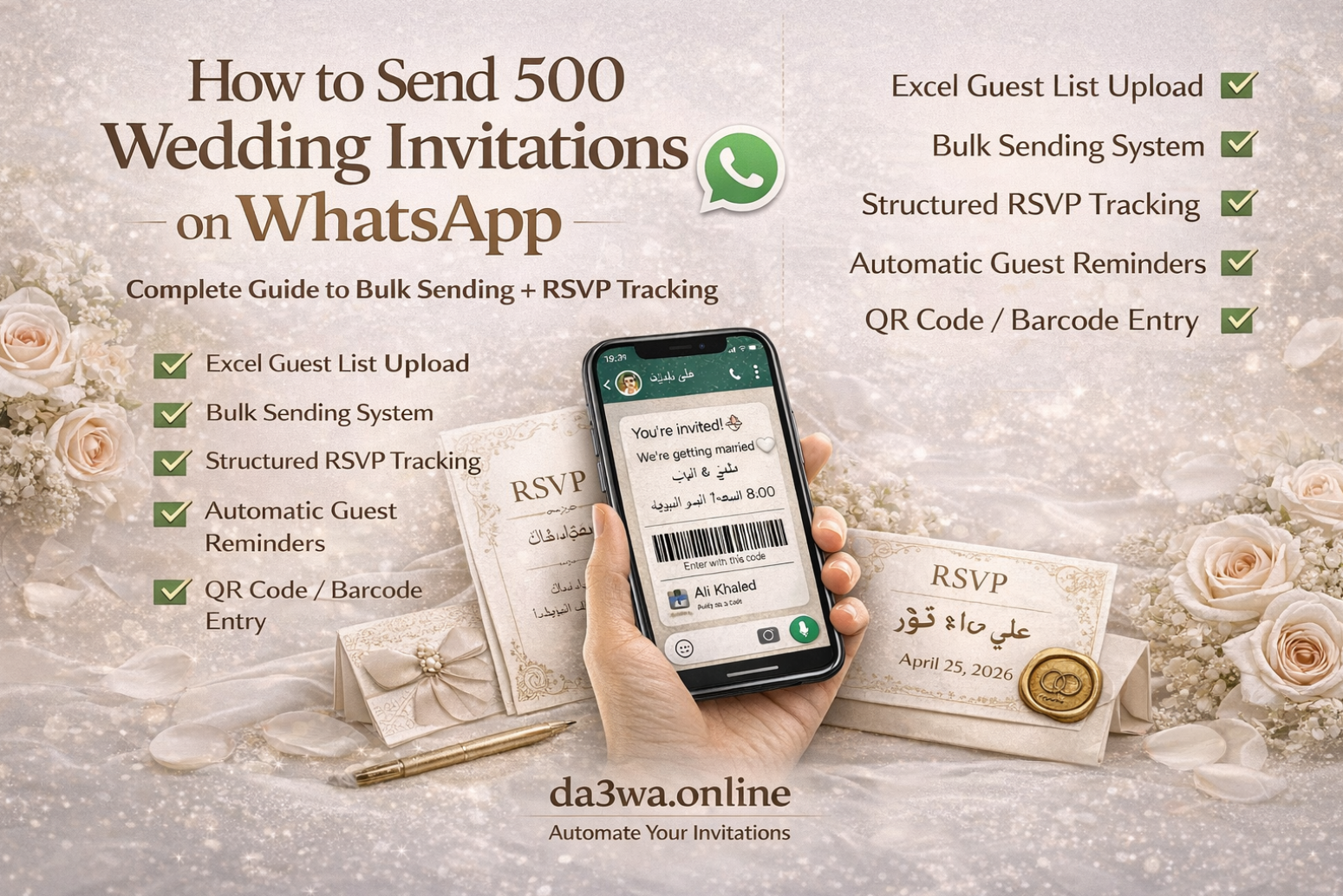
Sending wedding invitations to 500 guests manually on WhatsApp is stressful, time-consuming, and nearly impossible to manage properly. Between copy-paste errors, missed guests, and unorganized replies, things quickly become chaotic.
This guide explains exactly how to send wedding invitations to 500 guests WhatsApp automatically — while tracking RSVPs, managing guest lists, and sending reminders without stress.
Why Manual WhatsApp Invitations Don’t Scale
- Messages get lost in chats
- No structured RSVP tracking
- Difficult to count confirmed guests
- Hard to send reminders individually
- No centralized guest dashboard
If your guest list is above 100 people, you need a WhatsApp wedding invitation sender bulk system.
Step 1: Prepare Your Guest List (Excel Upload)
The simplest way to organize large weddings is uploading your guest list via Excel. A proper system allows you to upload guest list Excel with:
- Guest name
- Phone number (with country code)
- Number of seats
- Custom notes
Step 2: Create a Digital Wedding Invitation
A modern Arabic digital wedding invitation WhatsApp (or bilingual invitation) should include:
- Date & time
- Location link
- RSVP confirmation button
- Optional QR or barcode for entry
This becomes a digital invitation with barcode entry that simplifies venue check-in.
Step 3: Send Invitations Automatically
Using an official WhatsApp Business API solution, you can send invitations in bulk while remaining compliant.
- Personalized message per guest
- Bulk sending without spam risk
- Delivery tracking
- Automatic RSVP confirmation WhatsApp tracking
Step 4: Track RSVP in Real Time
If you're wondering how to track RSVP from WhatsApp for events, the answer is automation.
A proper WhatsApp RSVP platform Arabic (or multilingual platform) converts guest replies into structured data:
- YES / NO confirmation
- Guest count confirmation
- Live attendance statistics
- Downloadable reports
Step 5: Send Automatic Reminders
Instead of chasing guests manually, enable automatic WhatsApp guest reminders 24 hours before the event.
Advanced Features to Look For
- Apple Wallet wedding invitation
- Google Wallet event pass invitation
- QR code check-in system
- Wedding guest management software
- Live RSVP statistics dashboard
Why Digital Invitations Are Better Than Paper
- Instant delivery
- Environmentally friendly
- Easy to edit
- Real-time tracking
- Better guest experience
Digital invitations are now the smartest alternative to paper wedding invitations for modern events.
Frequently Asked Questions
Is it legal to send 500 wedding invitations via WhatsApp?
Yes, when using official WhatsApp Business API providers and approved templates.
Can I personalize each invitation?
Yes, bulk systems automatically insert guest names and details from your uploaded list.
How do I track confirmations easily?
Use a structured RSVP system that converts replies into a dashboard instead of chat messages.
Can I use QR codes for entry?
Yes. Each guest can receive a unique barcode for fast and secure check-in.
